The following content is an automatically extracted verbatim text
from the original manufacturer datasheet and is provided for reference purposes only.
View original datasheet text
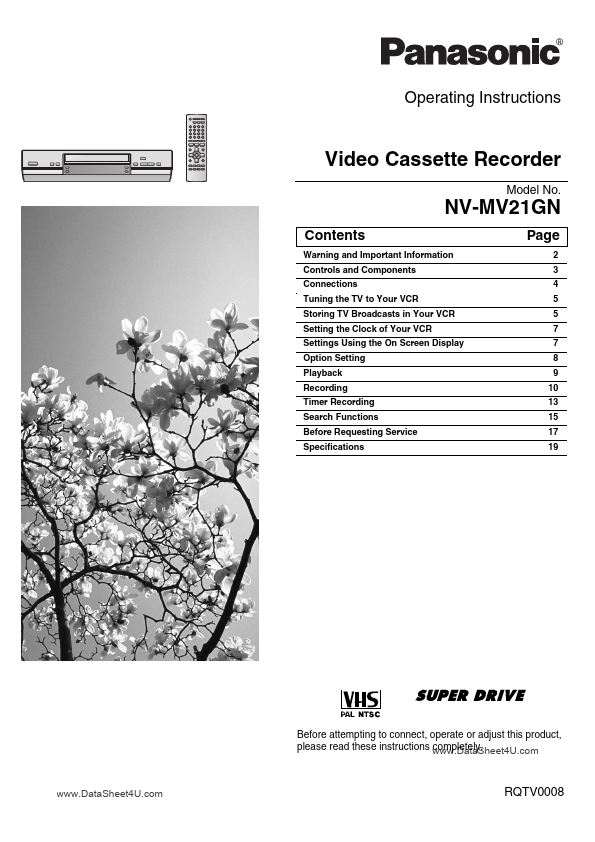
Operating Instructions
Video Cassette Recorder
Model No.
NV-MV21GN
Contents
Warning and Important Information Controls and Components Connections Tuning the TV to Your VCR Storing TV Broadcasts in Your VCR Setting the Clock of Your VCR Settings Using the On Screen Display Option Setting Playback Recording Timer Recording Search Functions Before Requesting Service Specifications
Page
2 3 4 5 5 7 7 8 9 10 13 15 17 19
Before attempting to connect, operate or adjust this product, please read these instructions www.DataSheet4U.com completely.
www.DataSheet4U.com
RQTV0008
Warning and Important Information
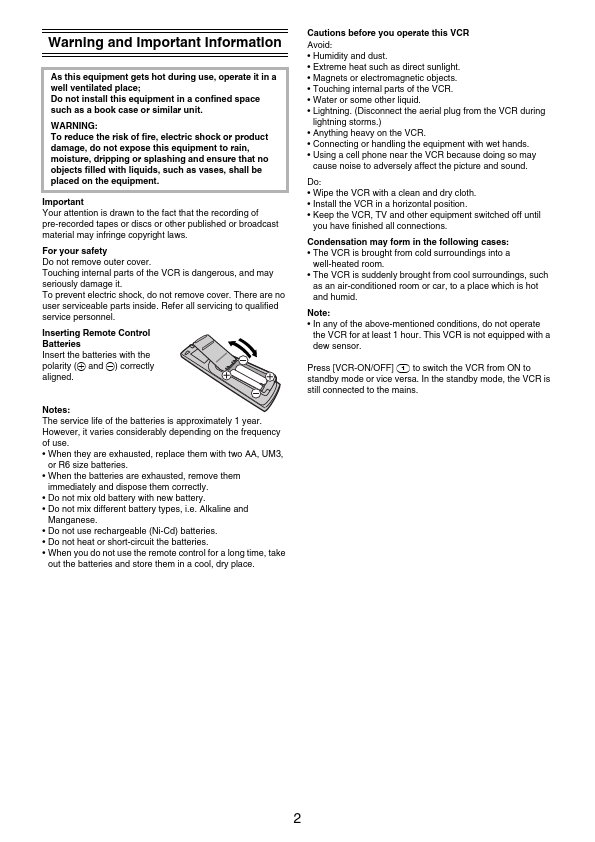
As this equipment gets hot during use, operate it in a well ventilated place; Do not install this equipment in a confined space such as a book case or similar unit.

 NV-MV21GN Datasheet