and the procedures for operating the computer and its ROM-based setup program. It also describes the installation and operation of the utility programs provided with the notebook PC. System Startup
1. 2. 3. 4. Remove all packing materials. Place the computer on a stable surface. Insert the battery and make sure it is locked in position. Securely attach any peripherals you want to use with the computer (e. g. keyboard and mouse) to their ports. 5. Attach the AC/DC adapter to the DC-In jack on the.
The following content is an automatically extracted verbatim text
from the original manufacturer datasheet and is provided for reference purposes only.
View original datasheet text
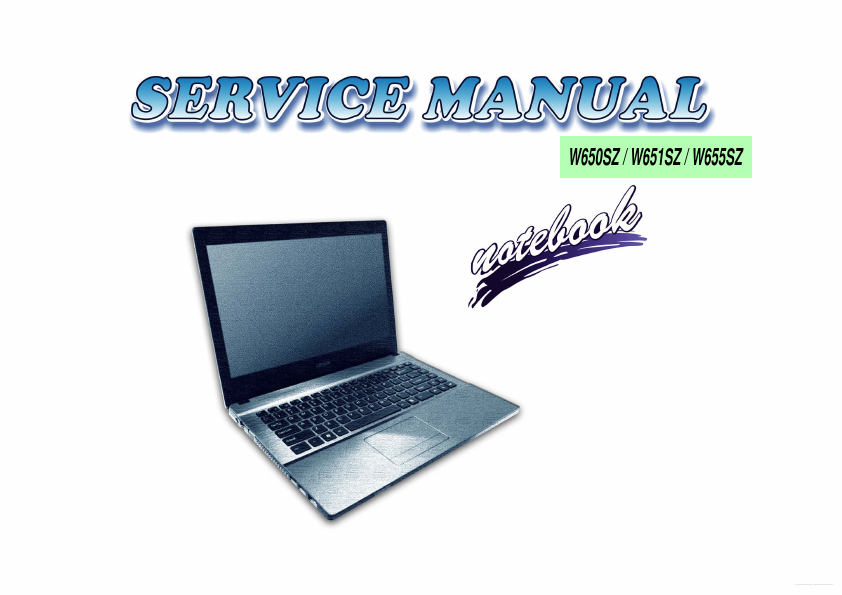
W650SZ / W651SZ / W655SZ
Free Datasheet http://www.datasheet4u.com/
Free Datasheet http://www.datasheet4u.com/
Preface
Notebook Computer W650SZ / W651SZ / W655SZ Service Manual
Preface
I
Free Datasheet http://www.datasheet4u.com/
Preface
Notice
The company reserves the right to revise this publication or to change its contents without notice. Information contained herein is for reference only and does not constitute a commitment on the part of the manufacturer or any subsequent vendor. They assume no responsibility or liability for any errors or inaccuracies that may appear in this publication nor are they in anyway responsible for any loss or damage resulting from the use (or misuse) of this publication.

 W650SZ Datasheet