• Part: SA-AK490
  • Description: (SA-AKxx0) CD Stereo System
  • Manufacturer: Panasonic
  • Size: 2.57 MB
Download SA-AK490 Datasheet PDF
Panasonic
SA-AK490
SA-AK490 is (SA-AKxx0) CD Stereo System manufactured by Panasonic.
- Part of the SA-AK300 comparator family.
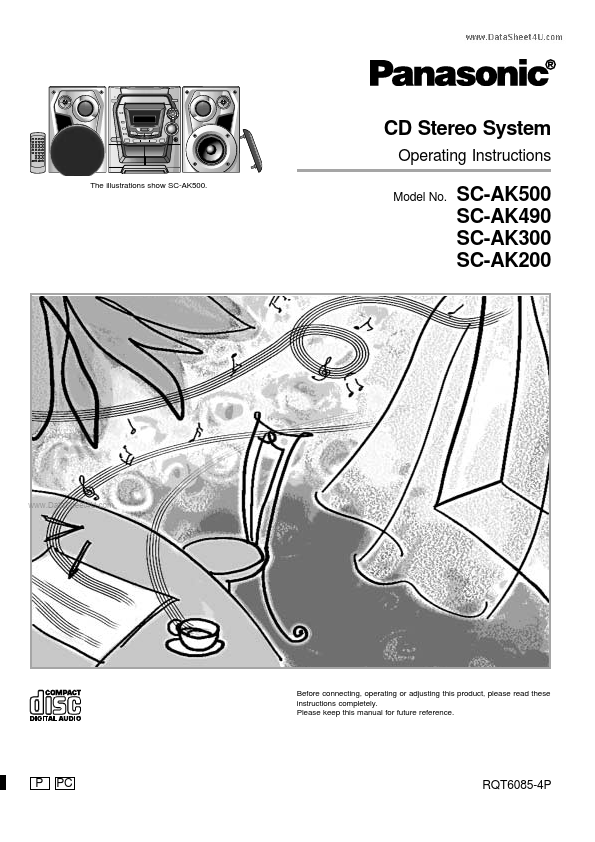
CD Stereo System Operating Instructions The illustrations show SC-AK500. Model No. SC-AK500 SC-AK490 SC-AK300 SC-AK200 .. Before connecting, operating or adjusting this product, please read these instructions pletely. Please keep this manual for future reference. RQT6085-4P Dear customer Thank you for purchasing this product. For optimum performance and safety, please read these instructions carefully. These operating instructions are applicable to the following system. These operating instructions, however, fundamentally explain the operation of system SC-AK500. Table of contents Before using Supplied accessories .............................................. IMPORTANT SAFETY INSTRUCTIONS ................... Listening caution ..................................................... Placement of speakers ............................................ About the remote control ........................................ 2 4 5 5 5 System SC-AK500 SA-AK500 SB-AK500 SC-AK490 SA-AK490 SB-AK500 SC-AK300 SA-AK300 SB-AK300 SC-AK200 SA-AK200 SB-AK200 Before using Main unit Speakers Battery installation .......................................................... 5 Correct method of use ................................................... 5 Connections ............................................................. 6 Basic connections (for supplied accessories) ................. 6 Optional antenna connections ........................................ 7 External unit connection ................................................. 7 The model number and serial number of this product can be found on either the back or the bottom of the unit. Please note them in the space provided below and keep for future reference. MODEL NUMBER SERIAL NUMBER Front panel controls ................................................ 8 Turning the demo function off .............................. 10 Convenient functions ............................................ 10...