

Click to expand full text
iMac G5
Power Supply, 20-inch
Replacement Instructions
Follow the instructions in this document carefully. Failure to follow these instructions could damage your equipment and void its warranty. Note: Online instructions are available at http://www.apple.com/support/doityourself/.
Tools Required
• Use the screwdriver provided, or a Phillips #1 screwdriver, preferably with a magnetized tip • Flat blade screwdriver • Screw tray or equivalent to hold the screws
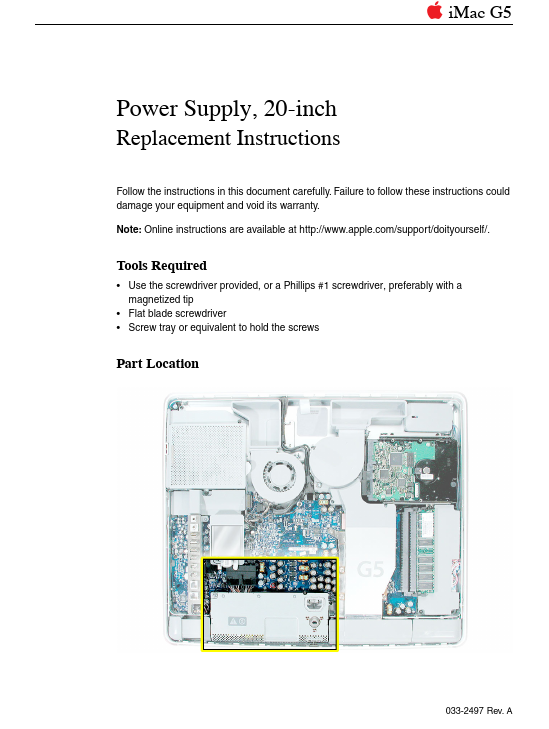
Part Location
033-2497 Rev. A
Important Things to Know
1. A spares kit is included with the replacement part. The kit includes: • a Phillips #1 screwdriver • extra screws 2. All customer removable screws are brass colored. Do not remove screws unless they are brass colored, or you will void your warranty. 3.